 Shopicraft
Partner kit
What you need to show Shopicraft Build a Box: a demo store, an image of every offer, a 60-second walkthrough and the five things worth showing.
Demo store
A real Shopify store with Build a Box installed. It is password-protected, so always share the address and the password together.
- Address
- test-nexus-ai.myshopify.com
- Password
- saupri
Images
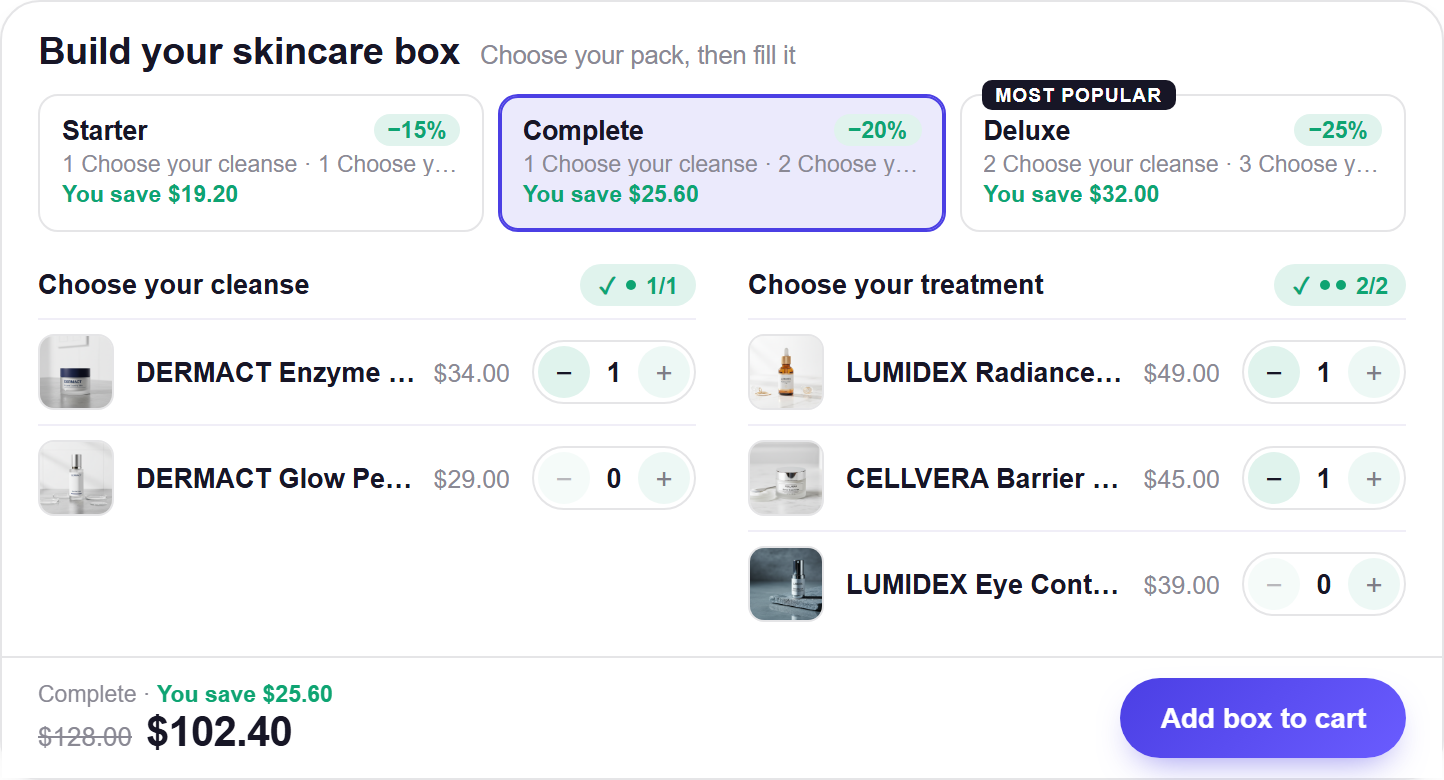
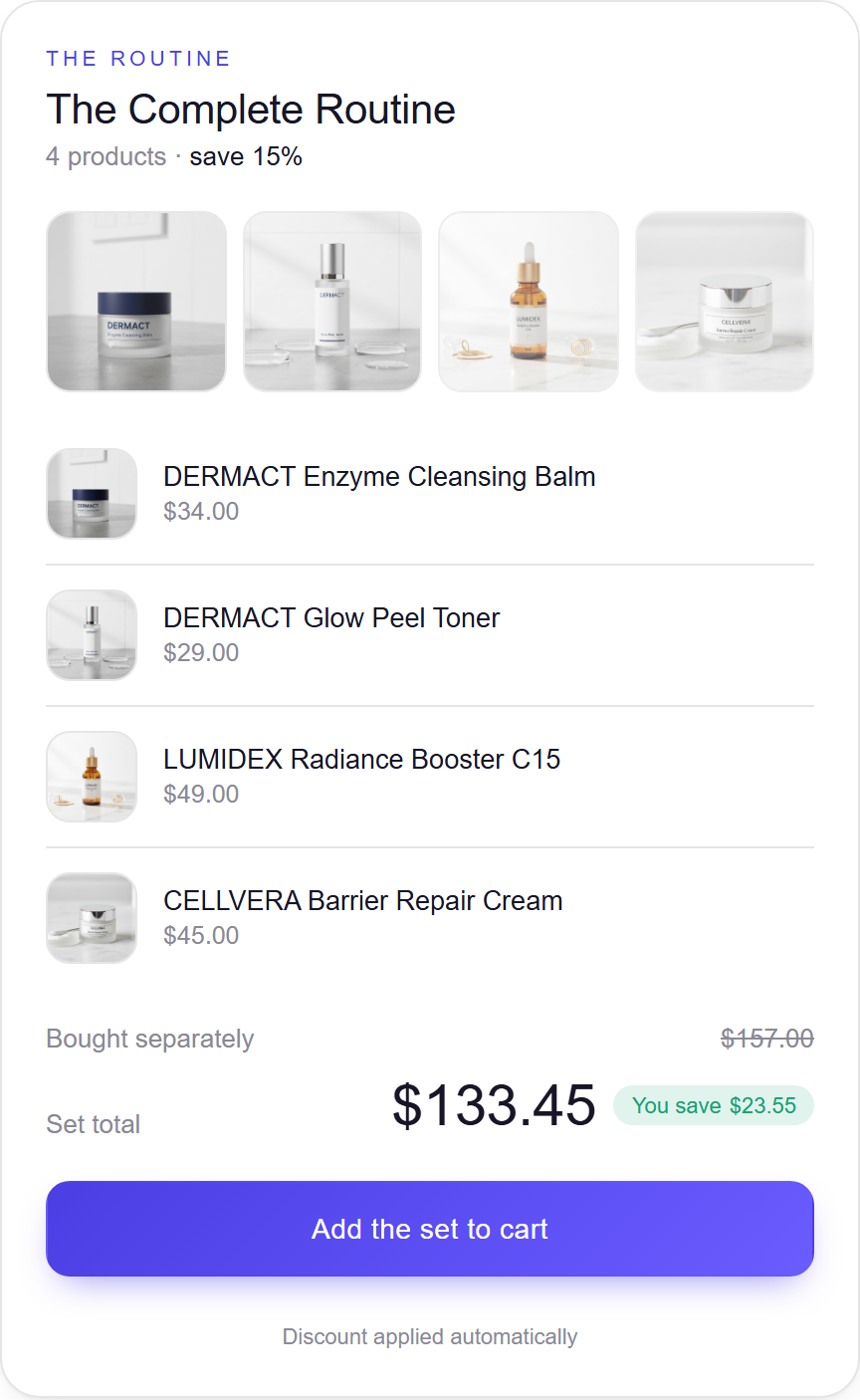
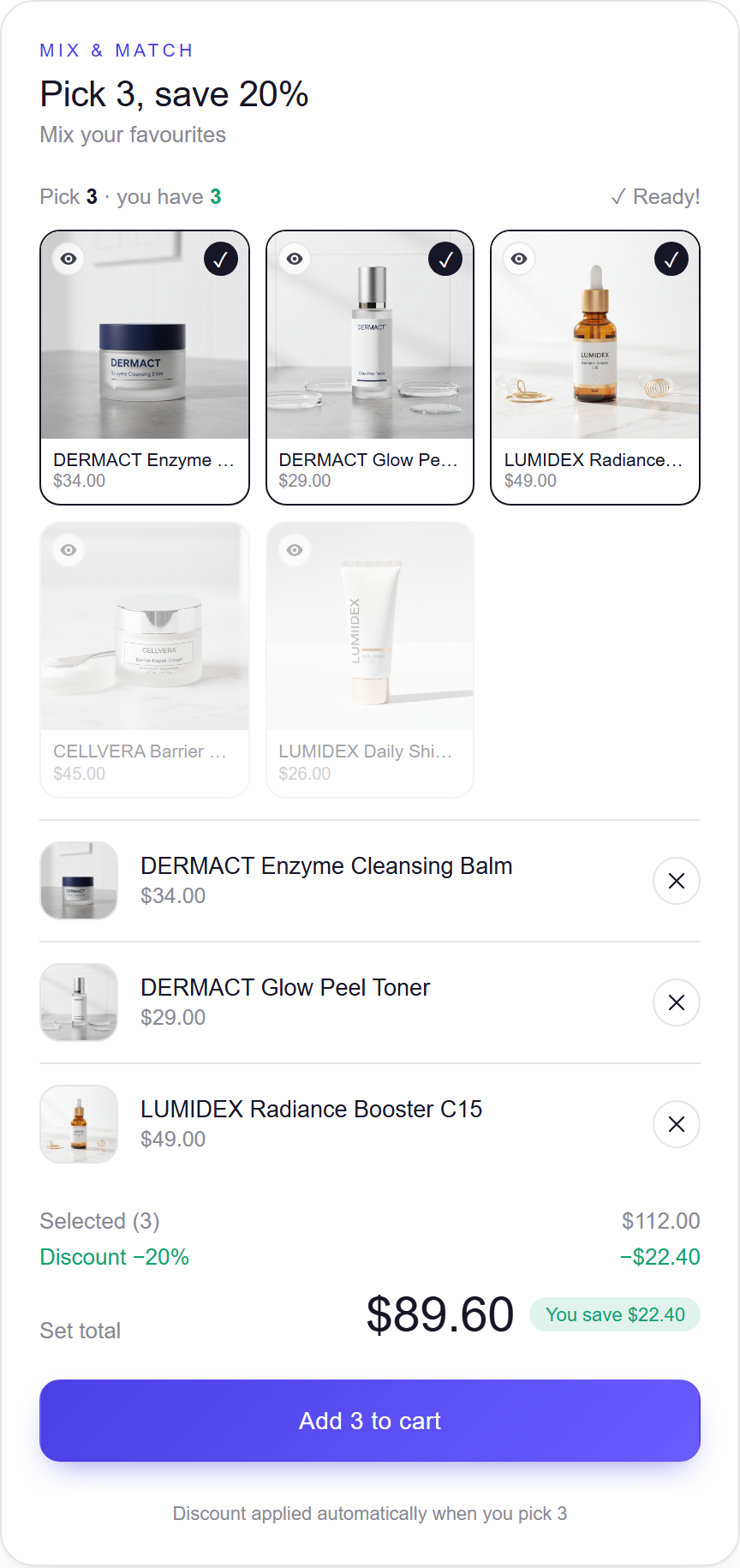
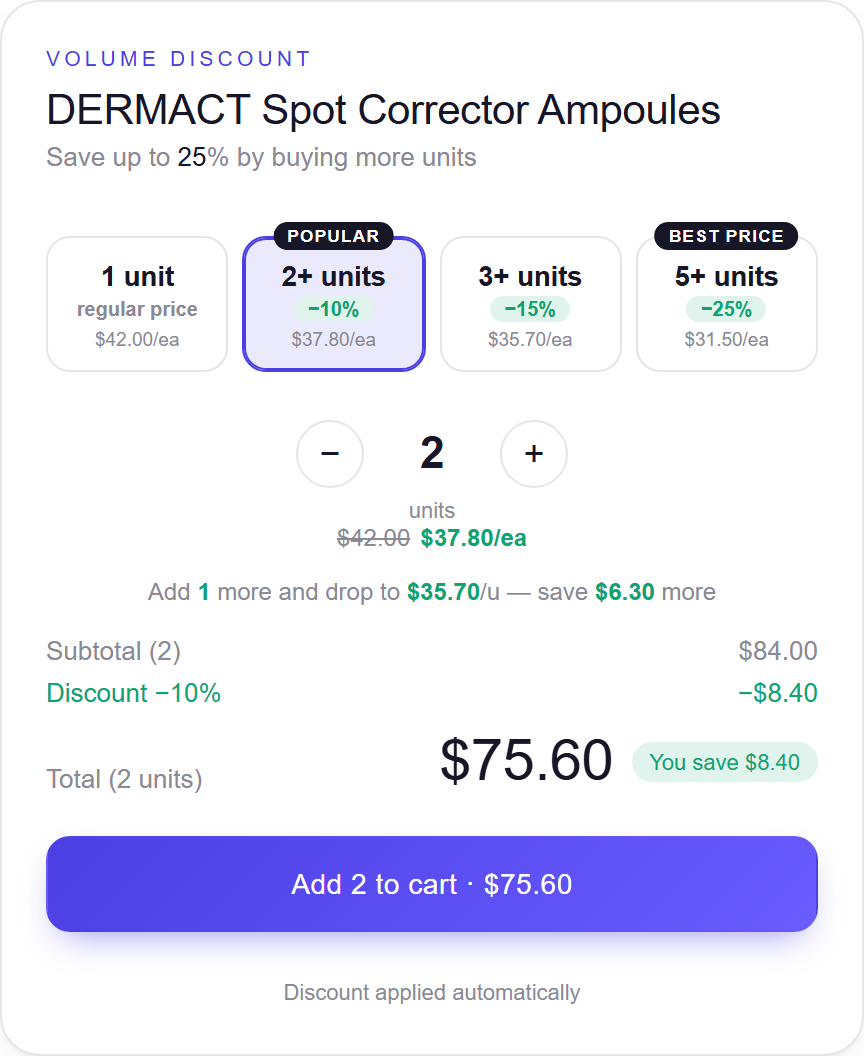
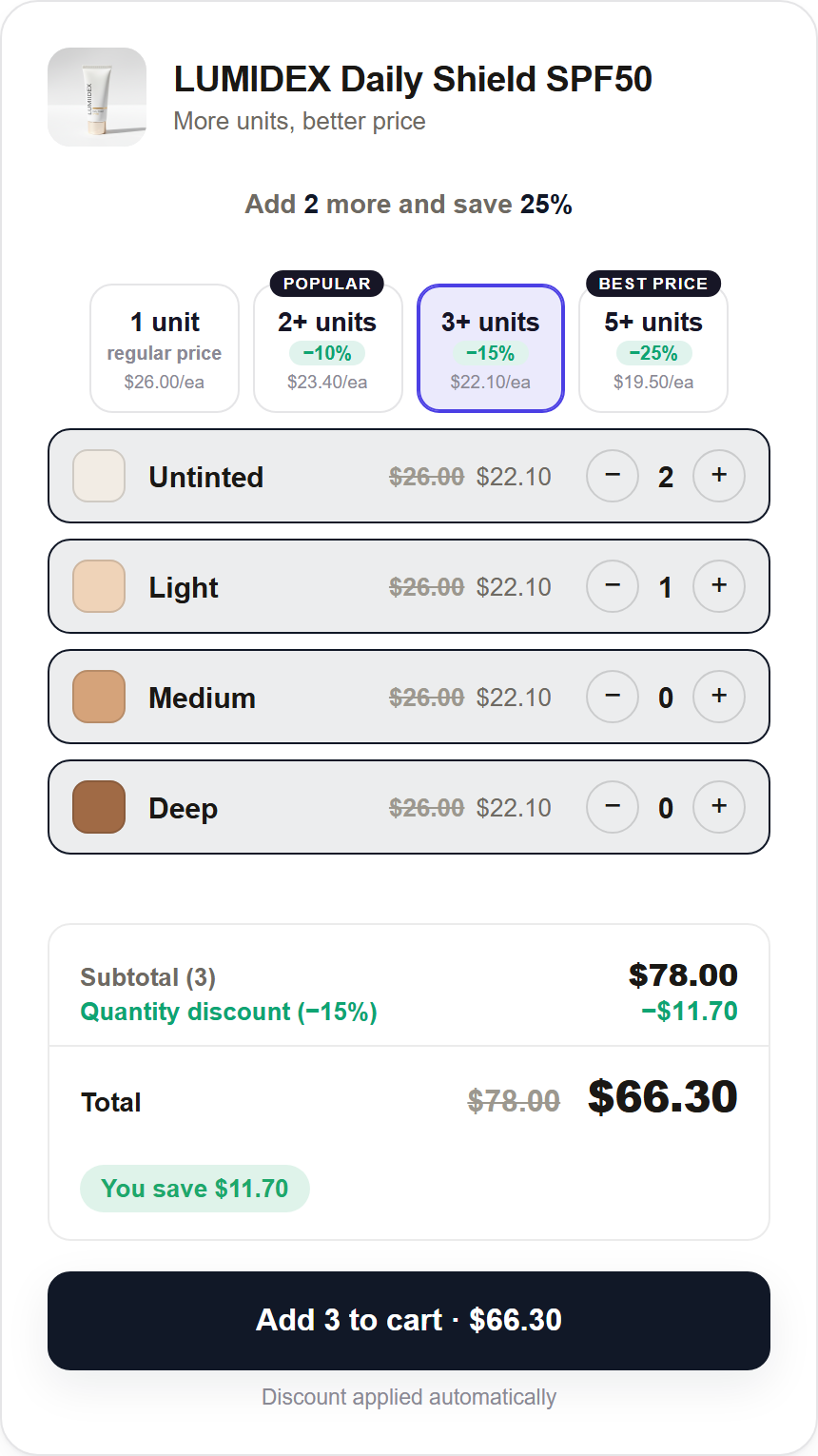
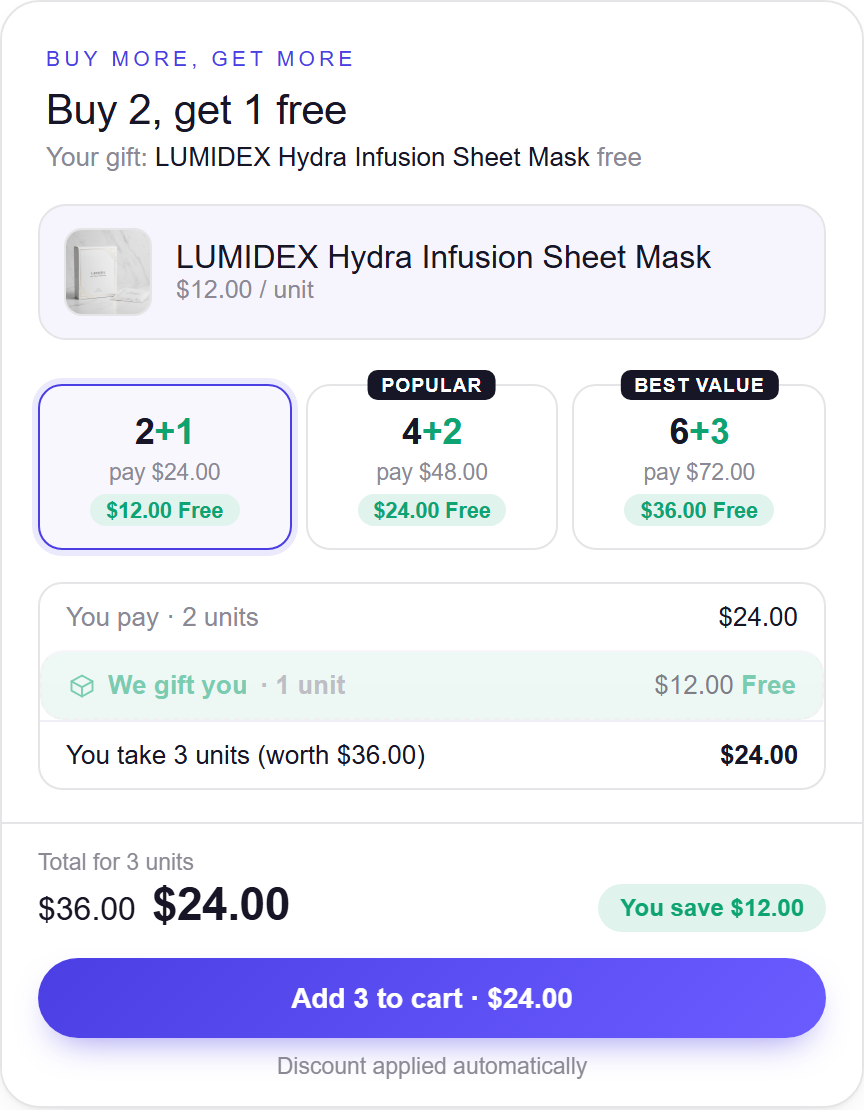
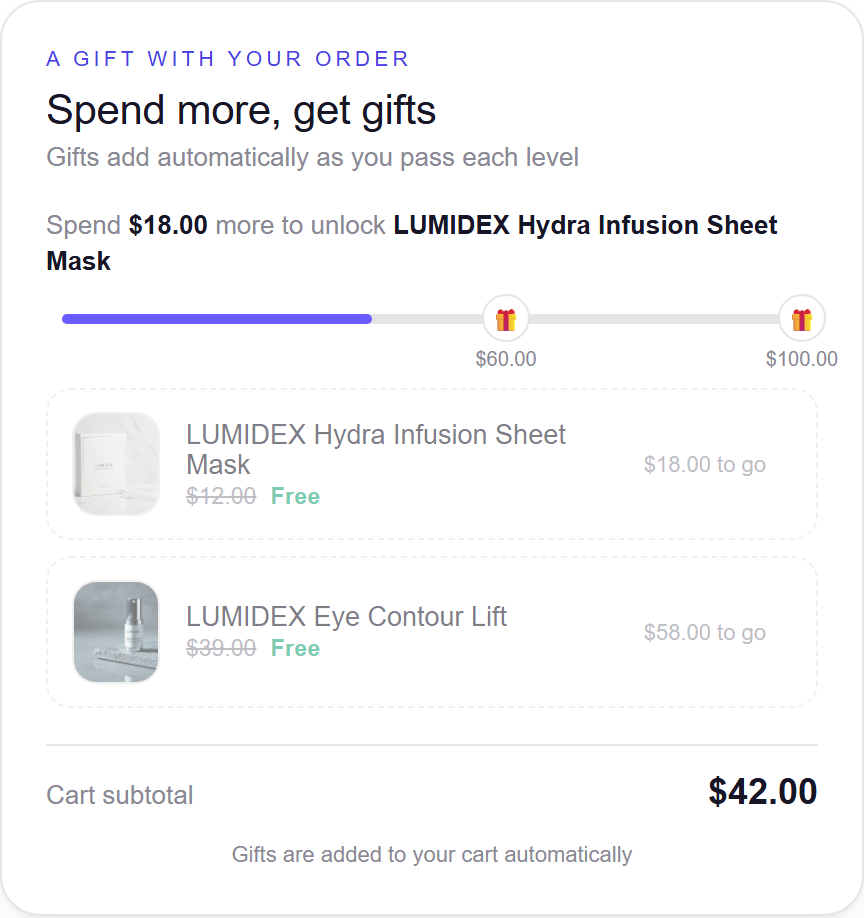
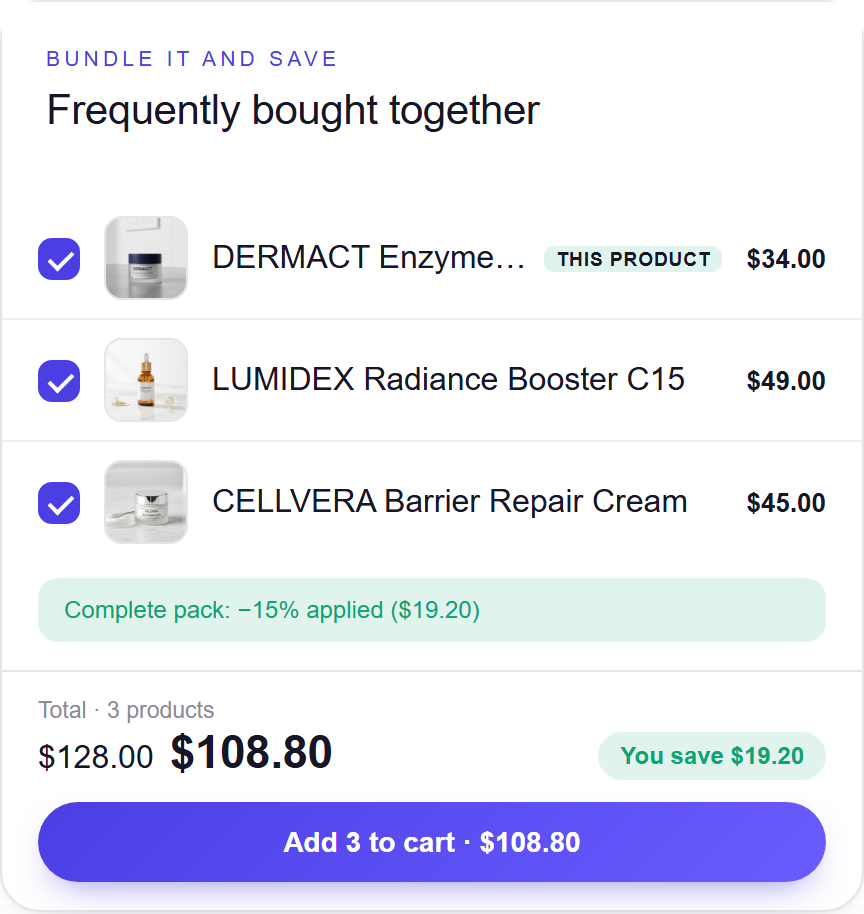
Each offer as it appears on a storefront, shot from the live widget. Use them in posts, decks and client proposals.
60-second walkthrough video
A shopper builds a box on the demo store: picks a pack, taps four products, watches the saving update, and the cart shows the same total. Silent, so you can talk over it or use it as b-roll.
The five things worth showing
- Shoppers build their own box on the product page. A gift set or starter kit sells without creating a bundle product for every combination.
- The price and the saving update as they pick. The shopper sees the saving grow with each item, which is the reason to add one more.
- The price they see is the price they pay. Shopify applies the discount itself, in the cart and at checkout. No code to type, no price that changes at the last step.
- One app for the other offers. Quantity breaks, BOGO, mix and match, fixed sets and free gifts, all through the same discount.
- Three guided steps, no theme code. Each theme step opens the editor with the block already placed; the merchant presses Save. The look is set once, under Bundle style.
Please don't quote reviews, ratings or conversion numbers (we have none yet), and don't say the box inherits the theme: its style is set under Bundle style.